
NFC technology
NFC review badges: one tap to your Google review form
NFC stands for near-field communication, the same short-range radio technology behind contactless payments. Inside every badge we make is a small NFC tag programmed with your Google review link.
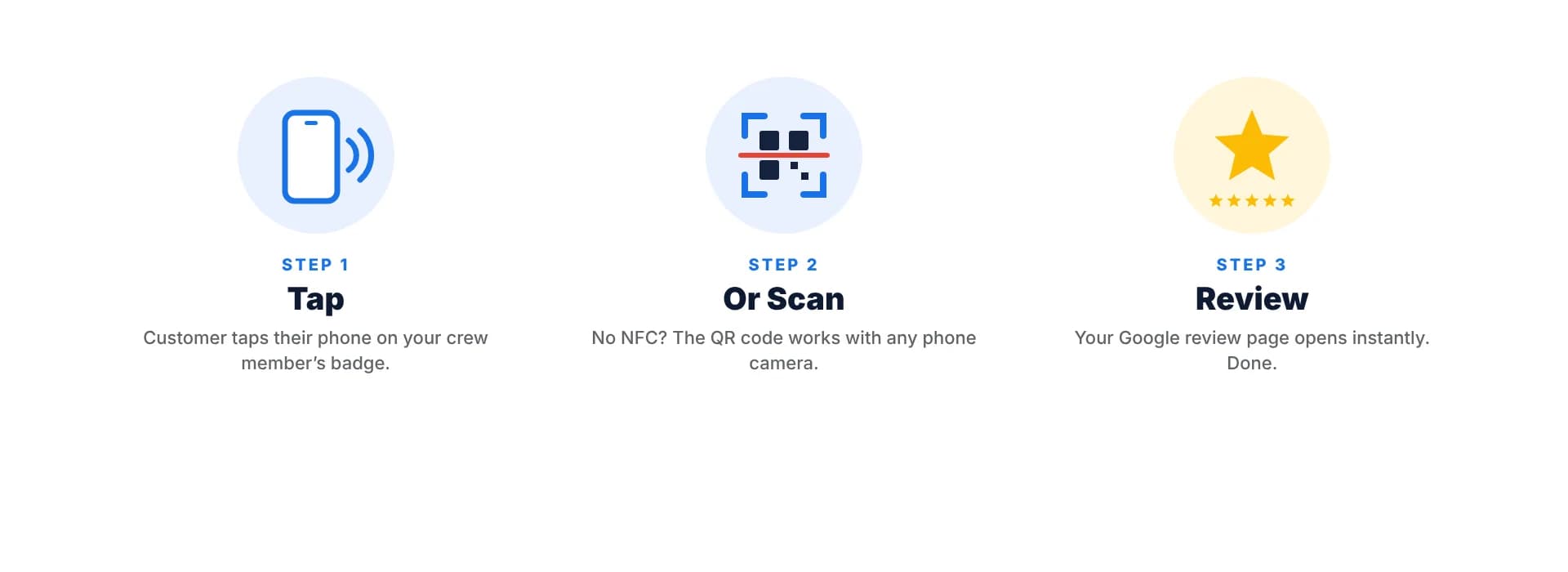
When a customer holds their phone close to the card, the phone reads the link and offers to open it. No app, no typing, no searching for your business name.
Order badges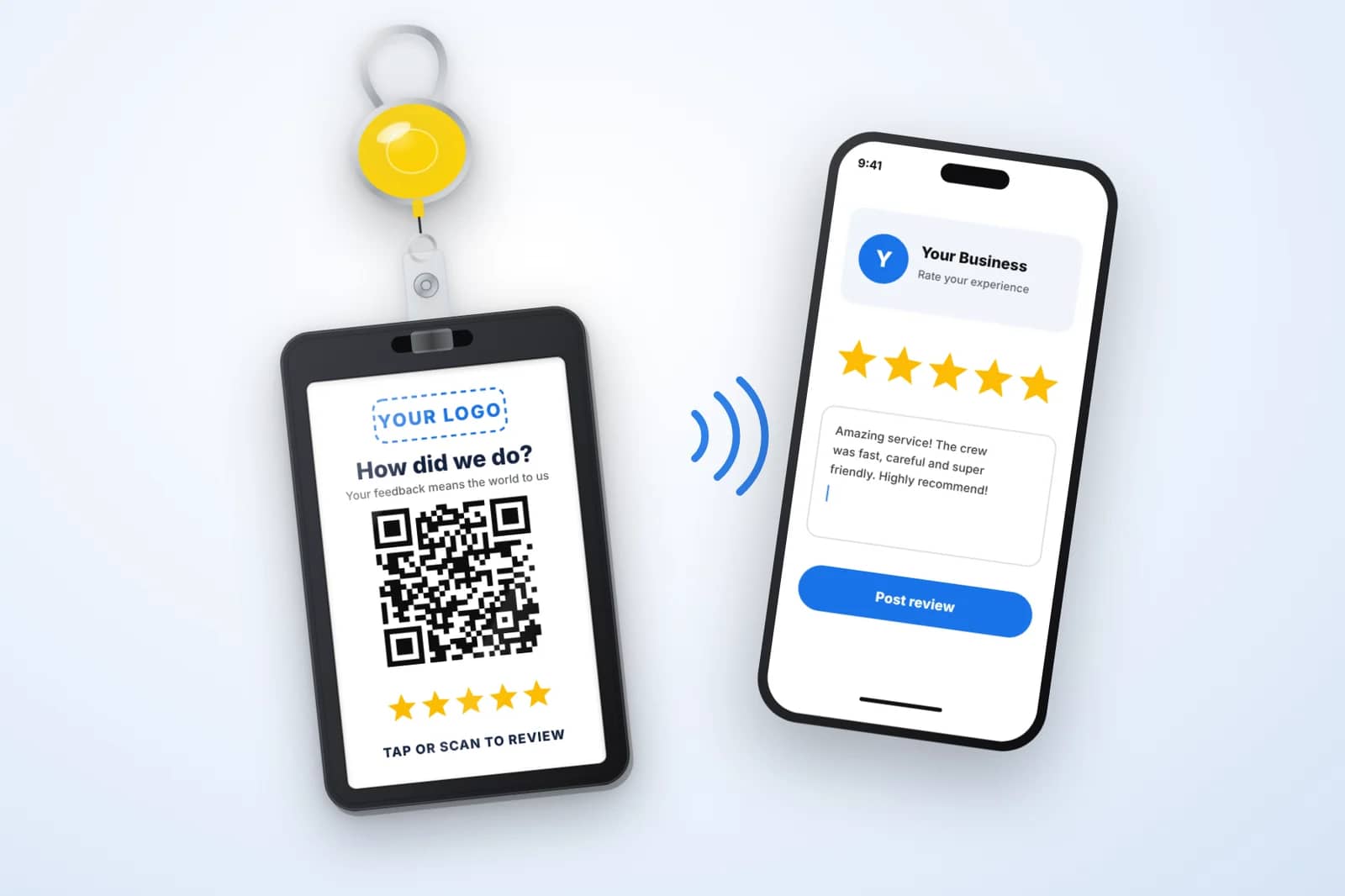
What happens during a tap
- 1
The phone powers the tag
NFC tags have no battery. The phone’s own antenna provides enough energy, at very close range, to wake the chip up.
- 2
The tag shares a URL
The chip holds a short record containing your review link. The phone reads it in a fraction of a second.
- 3
A notification appears
Most phones show a banner offering to open the link. The customer taps it and lands on the review form for your Google Business Profile.
Which phones can read NFC tags?
iPhone XS and newer models read NFC tags in the background, which means the customer does not need to open anything first; they just hold the top of the phone near the badge. Older iPhones from the 7 through the X can read tags through a Control Center shortcut, which is less convenient.
Most mid-range and flagship Android phones include NFC. On some models it is switched off in settings, and the antenna sits near the center of the back rather than the top. Customers sometimes need to slide the phone around slightly to find the sweet spot.
Because a small share of phones will not cooperate, every badge also carries a printed QR code that encodes the same link. If a tap does not work, the camera does.
Tips for a smooth tap
- Ask the customer to unlock their phone first. Locked phones typically ignore NFC tags.
- iPhone users should hold the top edge, near the camera, against the card.
- Android users should try the middle of the back of the phone.
- Thick phone cases with metal plates or magnetic wallets can block the signal; the QR code works regardless.
- Keep the badge still for a second. Waving it past the phone rarely works.
Why NFC beats a link in a text message
Texting a review link sounds simple, but someone has to collect the customer’s number, the message has to arrive, and the customer has to open it later. Every step loses people. NFC collapses all of that into a single physical action while the customer is standing in front of you, which is when they are most likely to follow through.
NFC also keeps your team’s personal phones out of it. Technicians do not need to text from their own numbers or look up links between calls.
Is NFC safe for customers?
An NFC tag on a badge can only share the link stored on it. It cannot read anything from the customer’s phone, and the phone always asks before opening the link. Customers stay in control the whole time.
Questions we hear
Does an NFC badge need a battery or charging?+
No. Passive NFC tags draw power from the phone that reads them, so the badge never needs charging.
How close does the phone need to be?+
Very close, usually within an inch or two. That short range is part of what makes NFC secure.
What if my review link changes?+
Google review links for a business profile rarely change. If yours does, contact us about a replacement badge with the new link.
Get badges with NFC built in
Every badge includes an NFC chip and a matching QR code. Pricing starts at $30, with free shipping.