
How it works
From a phone tap to a posted review in under a minute
There is no app to install and nothing for your team to log into. Here is what happens on the job site, and what happens before the badges ever reach you.
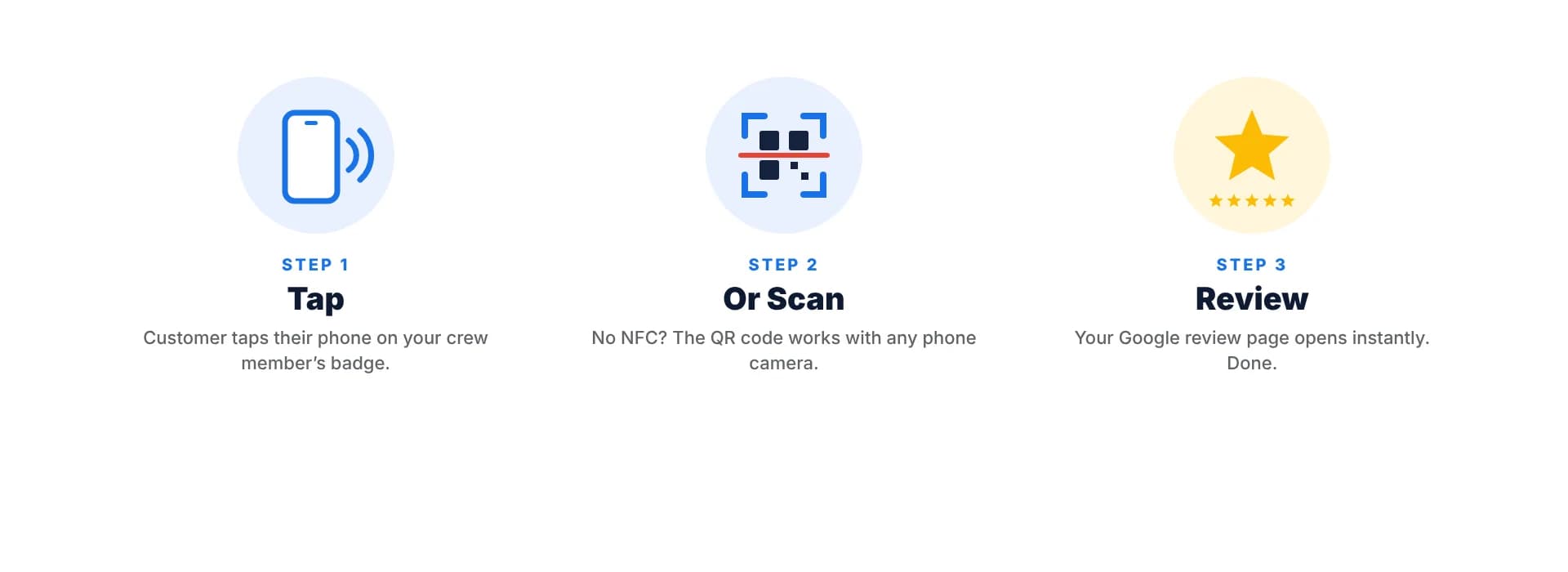
On the job: the customer’s side
- 1
Your tech makes a short, honest ask
At the end of the job, while the customer is looking at the finished work.
- 2
The customer unlocks their phone and taps
Holding it near the card reads the NFC chip. If nothing pops up, they point the camera at the QR code instead.
- 3
A link notification appears
They tap it, and Google opens straight to your business with the star rating box ready.
- 4
They rate, write, and post
Usually in under a minute, with your technician’s name fresh in mind.
Before the job: setting up your badges
When you order, you paste the review link from your Google Business Profile and upload your logo. We design the card, then email a proof for your approval, and nothing is printed until you sign off. After approval, we program the NFC chip, print the matching QR code, assemble each badge in its holder with a reel, and ship it free. Ships within 3–5 business days after you approve your proof.
Why two technologies on one card?
NFC is the fastest experience: no aiming, no focusing, just a tap. But a few phones have NFC turned off, sit in thick cases, or are older models that need extra steps. The QR code covers every one of those cases with the phone’s camera. Customers never hit a dead end, and your tech never has to troubleshoot someone else’s phone.
What your team does differently
Very little, and that is the point. They wear the badge like any ID badge. When the job is done, they mention it. The badge does the rest. Companies that see the biggest jump in reviews make the ask a standard part of the job wrap-up, right alongside collecting payment and reviewing the work with the customer.
Setup questions
Does the customer need to be signed in to Google?+
Yes, Google requires a signed-in account to post a review. Most Android users are signed in already, and iPhone users who use Gmail or Google Maps usually are too. Others can sign in when the form opens.
Can the badge send customers to Yelp or Facebook instead?+
The chip and code can hold any web link, but our badges are designed and printed for Google reviews. Contact us if you need a different destination.
What does my team need to do to set it up?+
Nothing. Badges arrive programmed and ready to wear. Clip them on and start asking.
See it work on your own phone
Order a single badge and test it on your next job. Scale up when your crew is ready.